

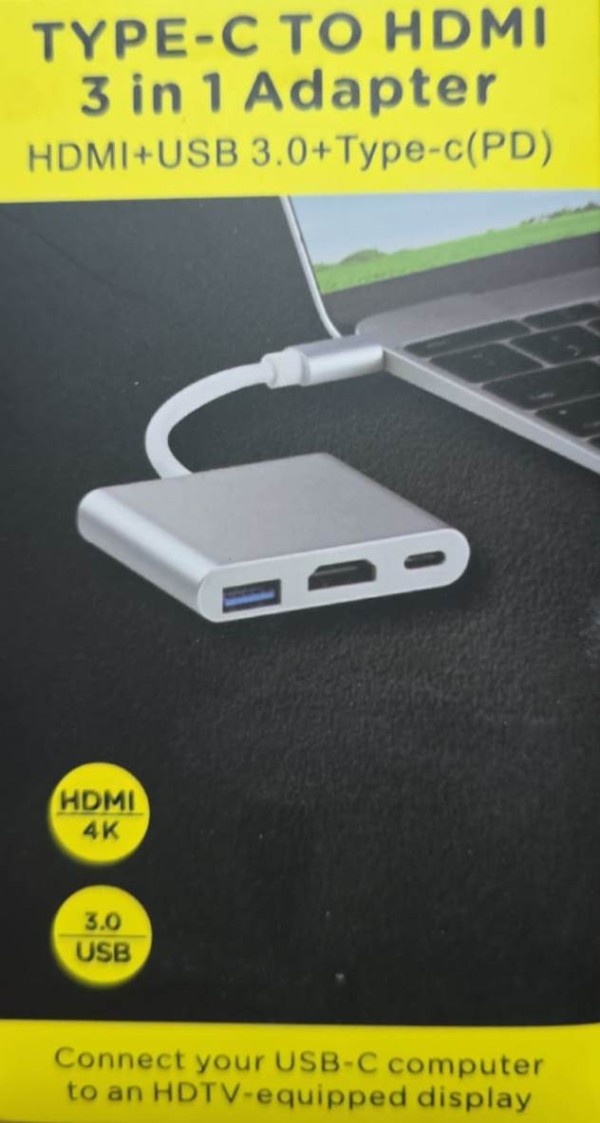
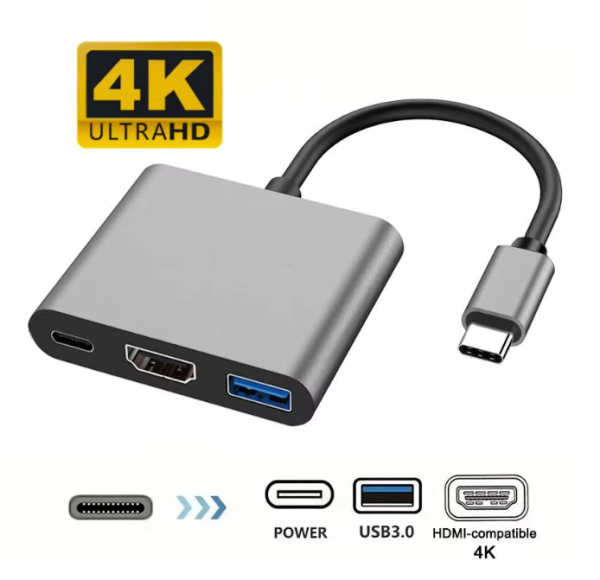
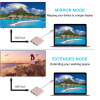
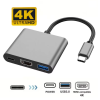
USB-C port:Charge the laptop through the Type-C female interface, 5W-60W automatically adapts.
How to connect:
Step 1: The Type-C female of the adapter needs to be connected with DC 5V power supply.
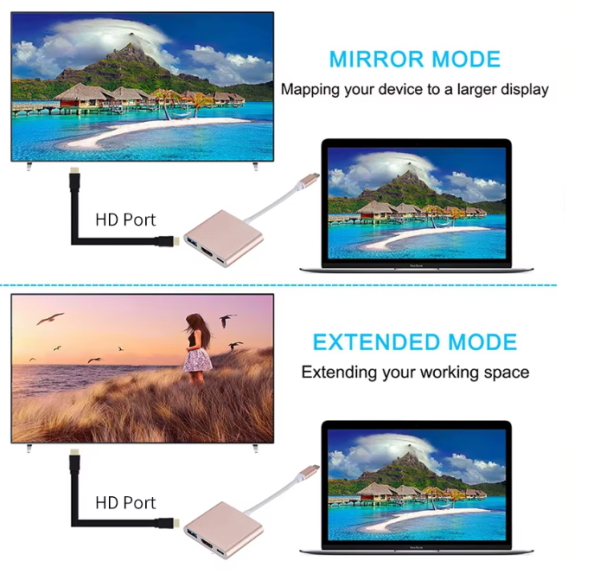
Step 2: Connect the adapter’s USB Type-C connector to any device that supports USB Type-C HDMI-compatible mode.
Step 3: Use a standard HDMI-compatible media cable to connect the HDMI-compatible output of the cable to an HDTV or HDMI-compatible enabled display.
Compatible with:
•Google Pixel C
•Chromebook Pixel 2015
•Asus B85M-G Plus
•LG Google Nexus 5X
•Huawei Google Nexus 6P
•Xiaomi 4C
•Xiaomi 5 Mi5
•Lenovo ZUK Z1
•Letv Phone
•Microsoft Lumia 950/950 XL
•LG G5
•Huawei P9/P9 Plus
•HTC M10
•Meizu Pro 5/MX5 Pro 5.7″ inch
•other USB 3.1 Type C Devices
Reviews
There are no reviews yet.